
Screenshots

App details
- Updated
- Aug 17, 2023
- Category
- Mobile
SoftPas in:
This product is also available in the following languages:
About Unlocker
Download Unlocker – delete locked files, unlock files, file unlocker, remove locked folders, Windows file manager
Overview
Unlocker is a lightweight system utility designed to resolve common file and folder access issues on Windows computers. The app enables users to delete, rename, move, or send locked or protected files to the recycle bin—tasks that are often blocked by error messages such as “The file is being used by another program.” This functionality addresses a widespread pain point for Windows users who encounter stubborn files that resist standard deletion methods. Whether caused by running processes, system locks, or permission restrictions, these files can hinder disk cleanup, software installation, or system maintenance.
The application is particularly useful for power users, IT professionals, and general desktop users who frequently manage files and directories. Its ability to integrate into the context menu enhances accessibility, allowing quick actions without launching a separate interface. Real-world use cases include removing temporary files after software crashes, cleaning up remnants from uninstalled programs, or freeing up space during system optimization. Unlocker fills a niche in the Windows ecosystem by offering a direct, no-frills solution to a recurring technical challenge.
Developed by Systweak Software, the app is positioned as a free, efficient tool that prioritizes simplicity and reliability. While the developer did not provide additional technical details about the underlying mechanisms, the consistent performance across user reports suggests a stable implementation. The tool’s minimal footprint and straightforward design reinforce its role as a practical utility rather than a feature-heavy application. For users seeking a reliable way to manage locked resources, Unlocker delivers tangible value with minimal overhead.
Key Features & Functionality
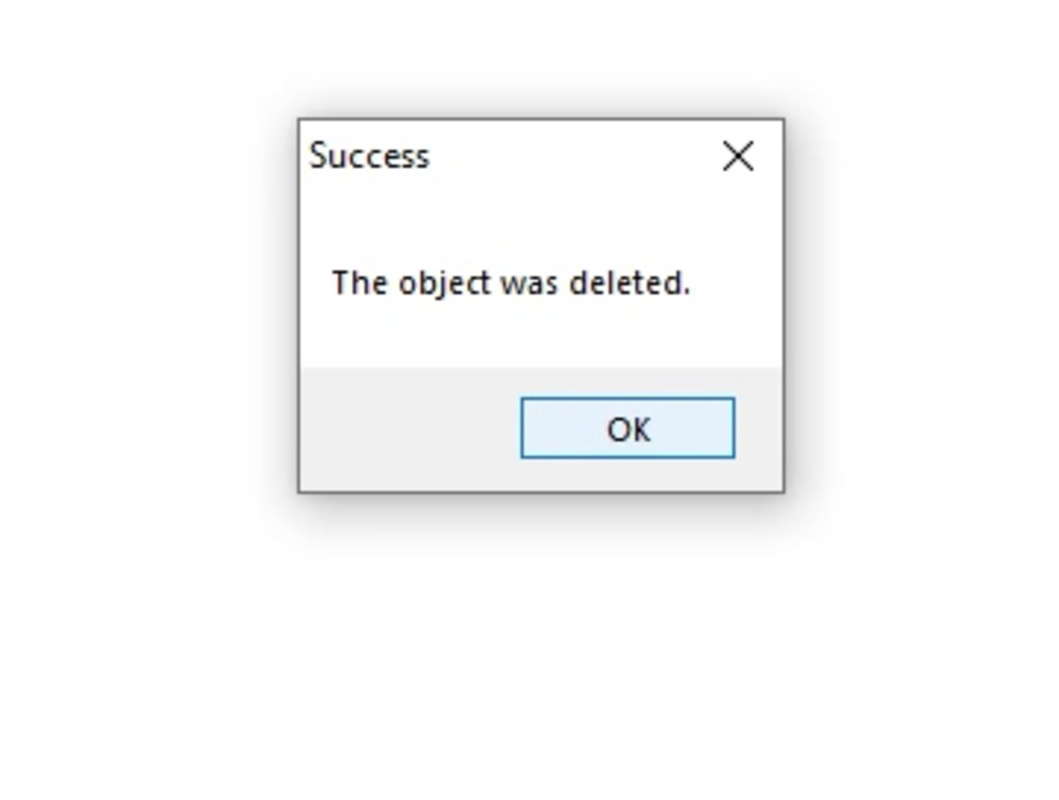
- Immediate deletion of locked files – Users can remove files or folders that are inaccessible through standard Windows operations, eliminating the need to manually identify or terminate processes.
- Context menu integration – The app appears directly in the right-click menu, enabling one-click access to unlock and manage files without switching applications.
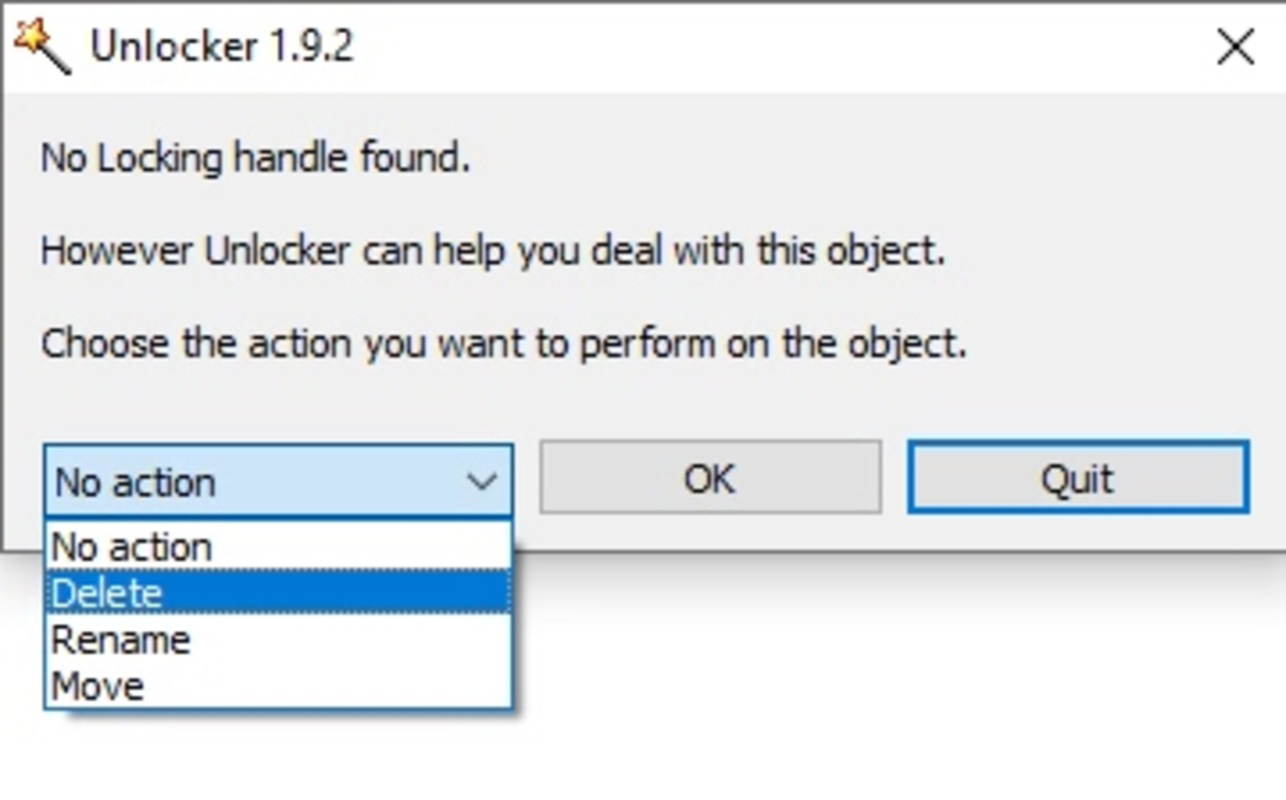
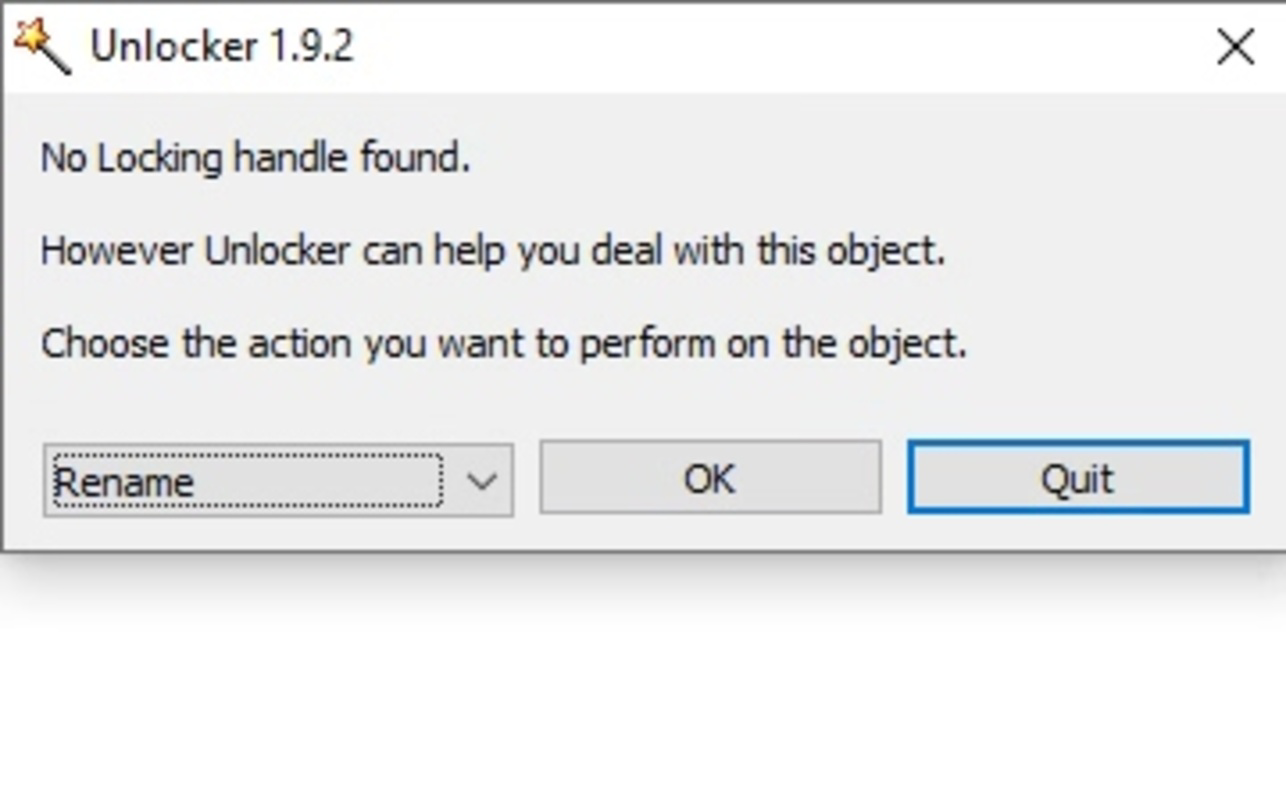
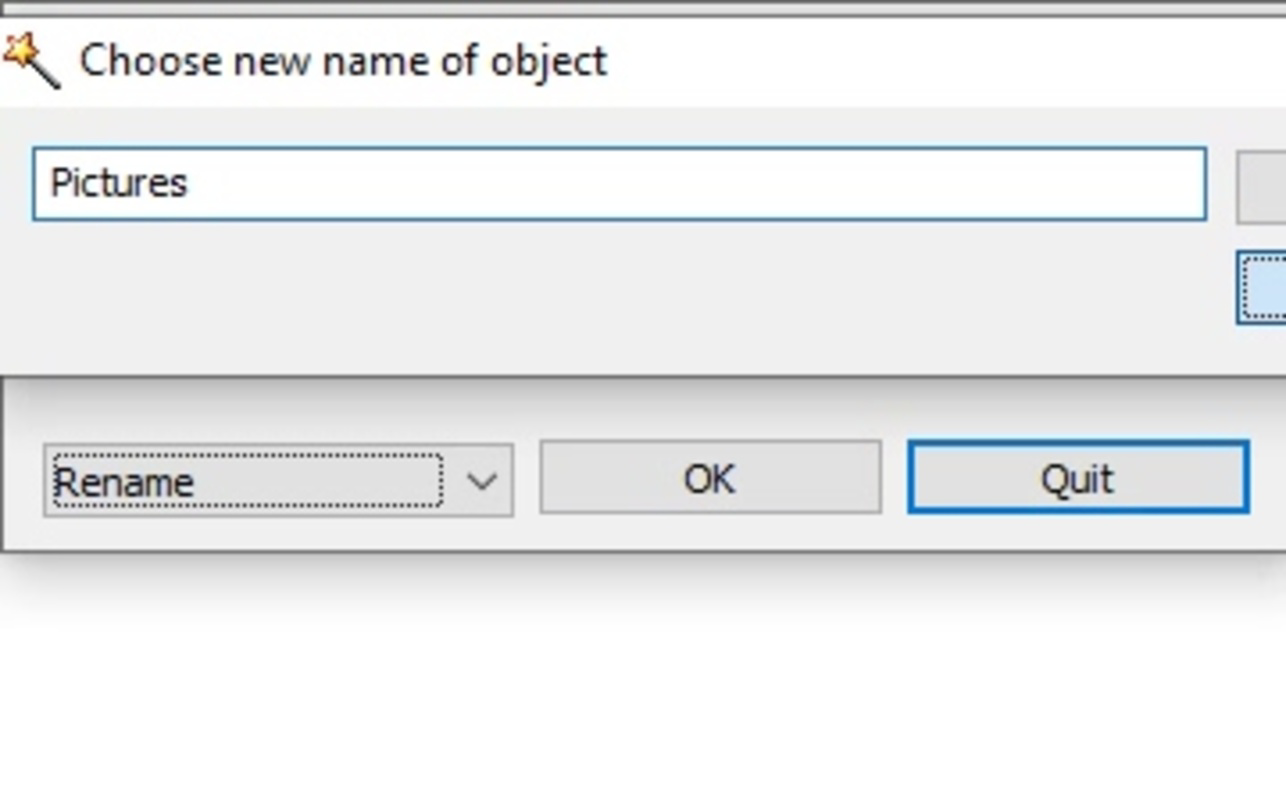
- Support for multiple actions – Beyond deletion, users can rename, move, or send locked items to the recycle bin, providing flexibility in file management.
- Quick and automated resolution – The tool resolves access conflicts in seconds, minimizing user intervention and reducing frustration during system maintenance.
- Lightweight design – With a file size of just 1.4 MB, Unlocker consumes minimal system resources, making it suitable for older or low-spec machines.
For example, when a user attempts to delete a folder containing temporary files from a crashed application, Unlocker can bypass the lock and complete the operation instantly. Similarly, during software reinstallation, it helps remove leftover directories that prevent a clean setup. The integration with the context menu ensures that these actions remain efficient, even for non-technical users. The app’s focus on core functionality avoids unnecessary complexity, making it ideal for users who need a reliable solution without learning curves or configuration overhead.
Interface, UX & Performance
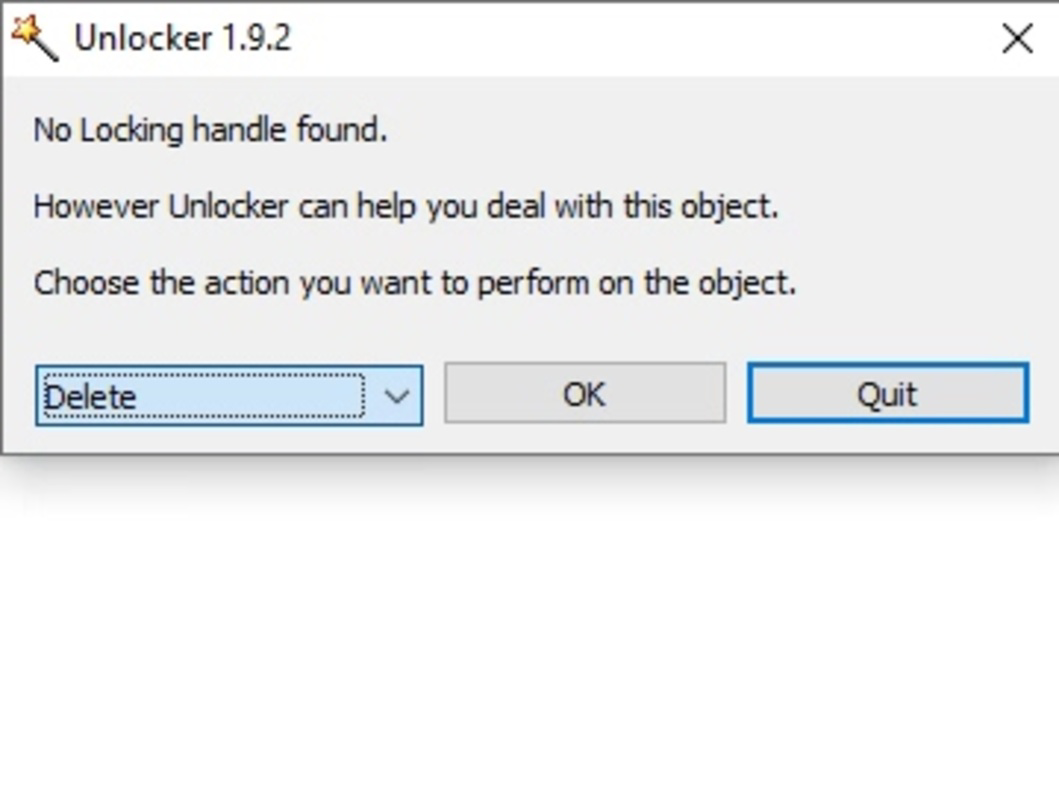
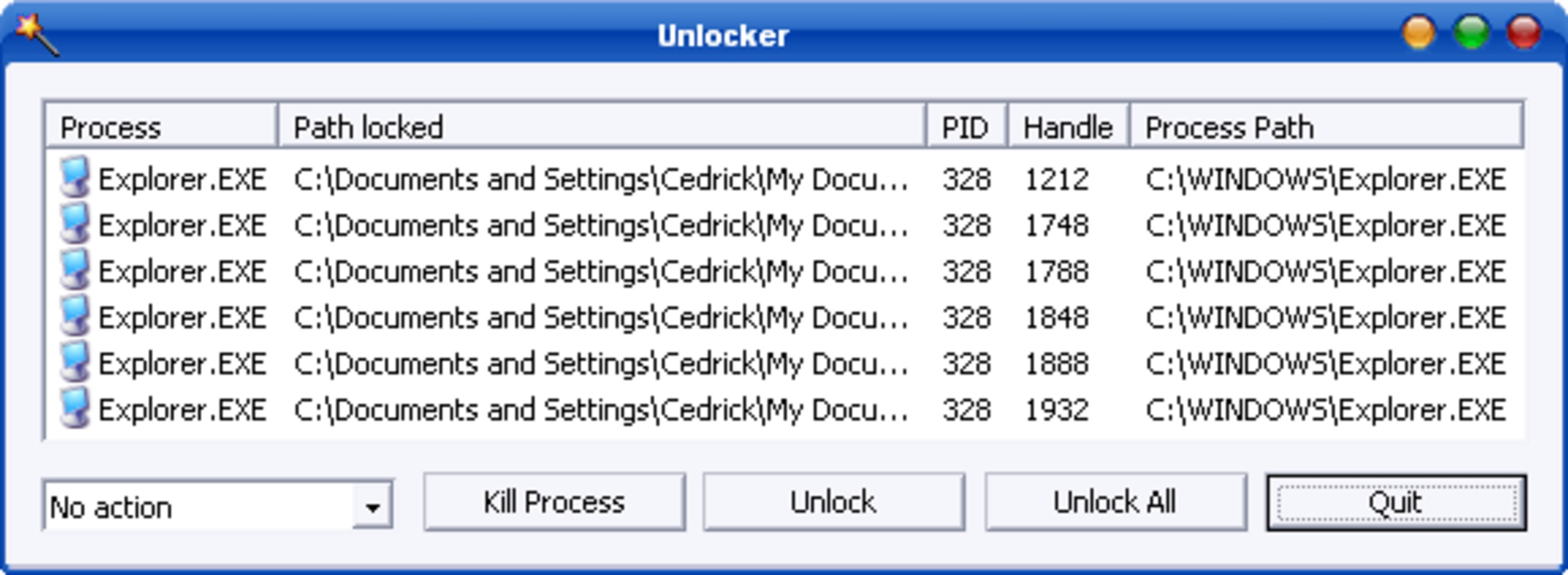
Unlocker features a minimal interface that prioritizes function over form. The main window, if displayed, presents a clean layout with clear action options—delete, rename, move, or send to recycle bin. Navigation is intuitive, relying on standard Windows interaction patterns, which reduces the learning curve for new users. The app’s responsiveness is consistent across tested environments, with operations completing in under a second for most files.
Although the developer did not list formal performance metrics, user feedback indicates stable operation even under heavy system loads. The application does not generate noticeable lag or consume excessive CPU or memory resources during execution. Its lightweight nature ensures compatibility with older Windows systems and low-end hardware. The absence of intrusive pop-ups, ads, or telemetry aligns with its utility-focused design philosophy.
While specific requirements were not listed, the app’s small size and simple execution model suggest broad compatibility with modern Windows versions. The stability of the tool during repeated use further supports its reliability. Users report consistent behavior across multiple sessions, with no crashes or unexpected errors. Overall, the UX is efficient, streamlined, and focused on delivering results without distractions.
Platform Compatibility & Technical Requirements
Unlocker is designed for the Windows operating system. The current version is 1.2.3, with a file size of 1.4 MB. The app is available at no cost, making it accessible to a wide range of users. The developer did not specify minimum OS requirements or compatibility details beyond the platform name.
Given its lightweight nature and focus on core system functions, it is likely compatible with Windows 7 and later versions, including Windows 10 and Windows 11. However, compatibility information was not fully disclosed, so users should verify system requirements before installation. The app does not require administrative privileges for basic operations, though elevated permissions may be needed in some cases to unlock deeply protected system files.
Pros and Cons
Pros
- Free to download and use with no hidden costs
- Efficiently resolves locked file issues in seconds
- Minimal system resource usage due to small file size
- Intuitive interface with direct context menu access
- Supports multiple file operations beyond deletion
Cons
- Specific OS compatibility details were not provided
- Developer did not disclose update frequency or release schedule
- Limited to Windows platform; not available on mobile or macOS
- No in-app tutorials or detailed documentation included
- May require admin rights for certain system-level files
FAQ
Is Unlocker safe to use on my Windows PC?
Yes, Unlocker is designed as a system utility and does not contain malware or intrusive behavior. However, users should only delete files they are certain are safe to remove, especially system or application files.
Can I use Unlocker to delete system files?
While the app can attempt to delete system files, doing so may cause instability or errors in the operating system. It is strongly advised to avoid removing system-protected files unless you are certain of their purpose.
Does Unlocker require admin privileges?
For most user files, admin rights are not required. However, deleting protected or system-level files may prompt a permission request, requiring elevated access.
Is Unlocker available for Android or iOS?
No, Unlocker is exclusively designed for the Windows platform and is not available on mobile operating systems.
How often does Unlocker receive updates?
The developer did not disclose the update frequency. Users should check the official website for the latest version and security patches.
Final Thoughts
Unlocker stands out as a focused, no-nonsense tool for resolving one of the most common frustrations in Windows file management: locked or inaccessible files. Its lightweight design, rapid performance, and seamless integration into the context menu make it a practical addition to any user’s toolkit. While it lacks advanced features or cross-platform availability, it excels in its core purpose—providing immediate relief from file access issues.
For anyone who has ever faced the “file in use” error, this app offers a reliable, free solution that works without complications. Whether you're cleaning up your system, reinstalling software, or managing temporary files, Unlocker delivers consistent results. Its simplicity and effectiveness make it a must-have for both casual users and technical professionals.
Download Unlocker now
Guides & Tutorials
How to install Unlocker
- Click the Download button above.
- Once redirected, accept the terms and click Install.
- Wait for the Unlocker download to finish on your device.
How to use Unlocker
This software is primarily used for its core features described above. Open the app after installation to explore its capabilities.
User Reviews
No reviews yet. Be the first to share your experience.
You may also like
more
Que no te pillen¡
About !Que no te pillen¡Reviewed by Jason A. BilbreyShow MoreShow Less

3D Combat Zone
About 3D Combat ZoneOriginally released in 1983, 3D Combat Zone immerses players...

666: El día del portal
About 666: El día del portalOn June 6, 2006, Agent P. Stone uncovers a sinister...

80 in 1 Best Flash games
About 80 in 1 Best Flash games 80 in 1 Best Flash games is a collection of 80 fl...

ABYSS SEEKERーーWhat Do You See Deep in The Abyss
About ABYSS SEEKERーーWhat Do You See Deep in The AbyssIn ABYSS SEEKER, players...

ACA NEOGEO THE KING OF FIGHTERS 2002 for Windows
About ACA NEOGEO THE KING OF FIGHTERS 2002 for WindowsTHE KING OF FIGHTERS 2002,...